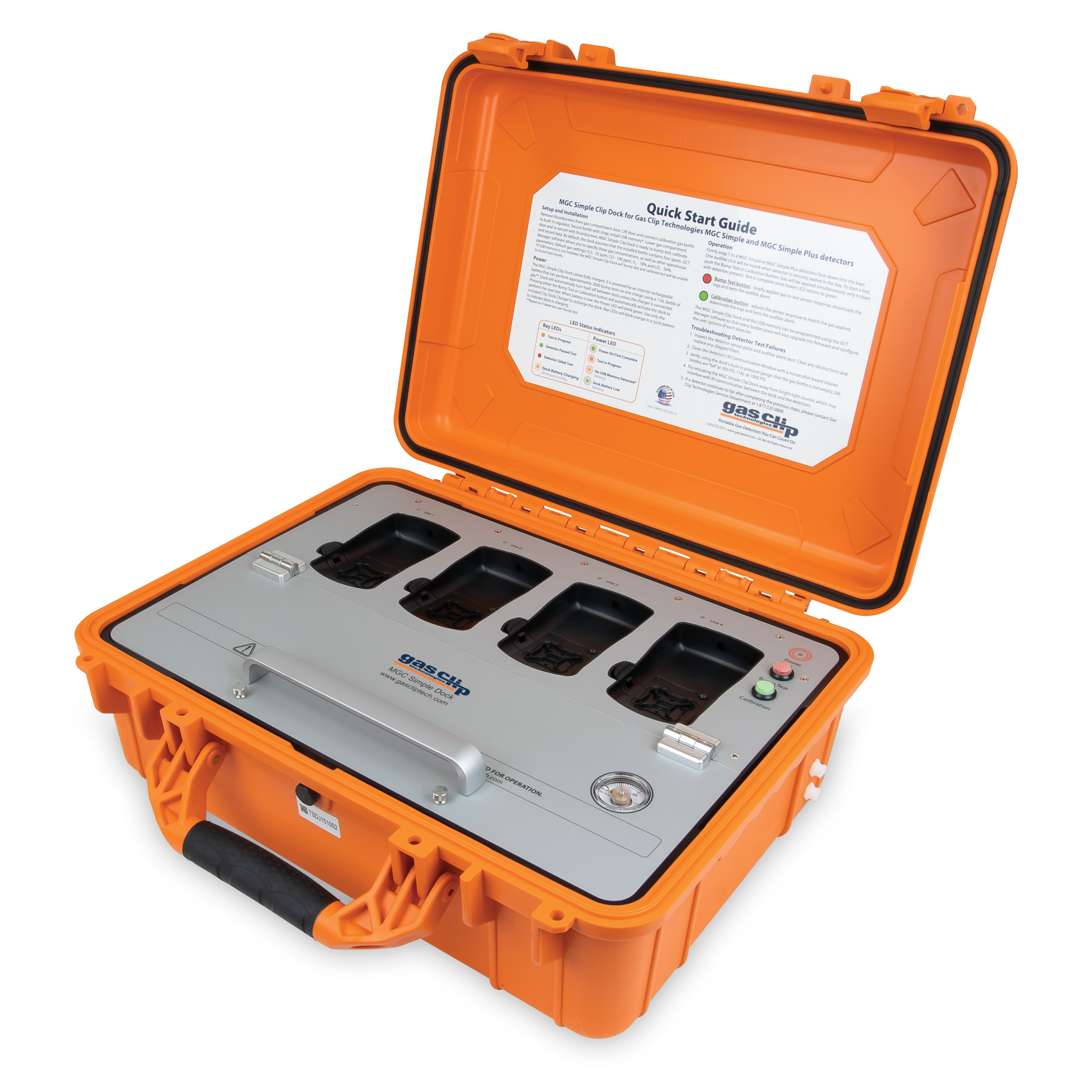

Description
Simple to use.
With only two buttons, training operators to perform regular "bump tests" and occasional calibrations is a breeze.
A mobile solution!
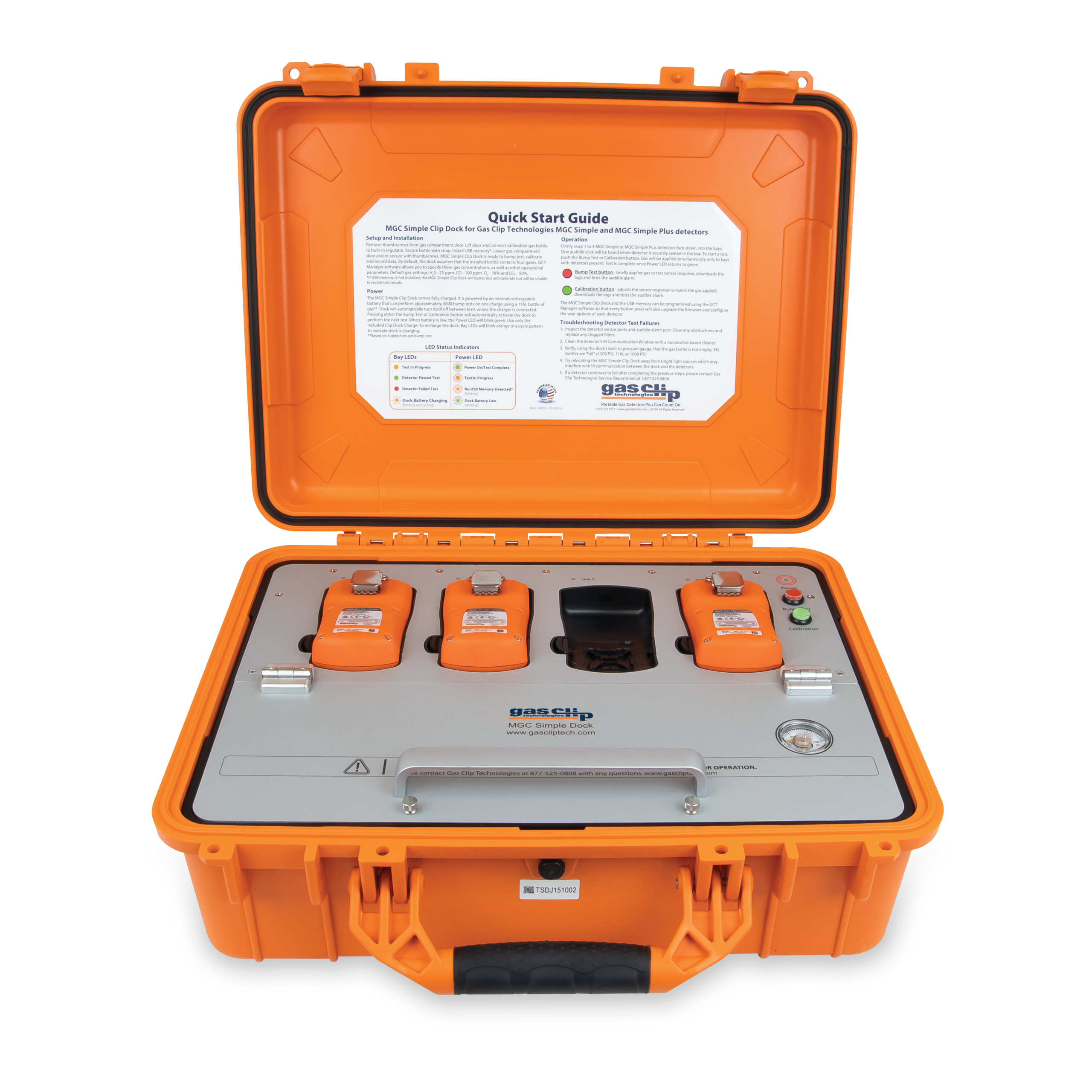
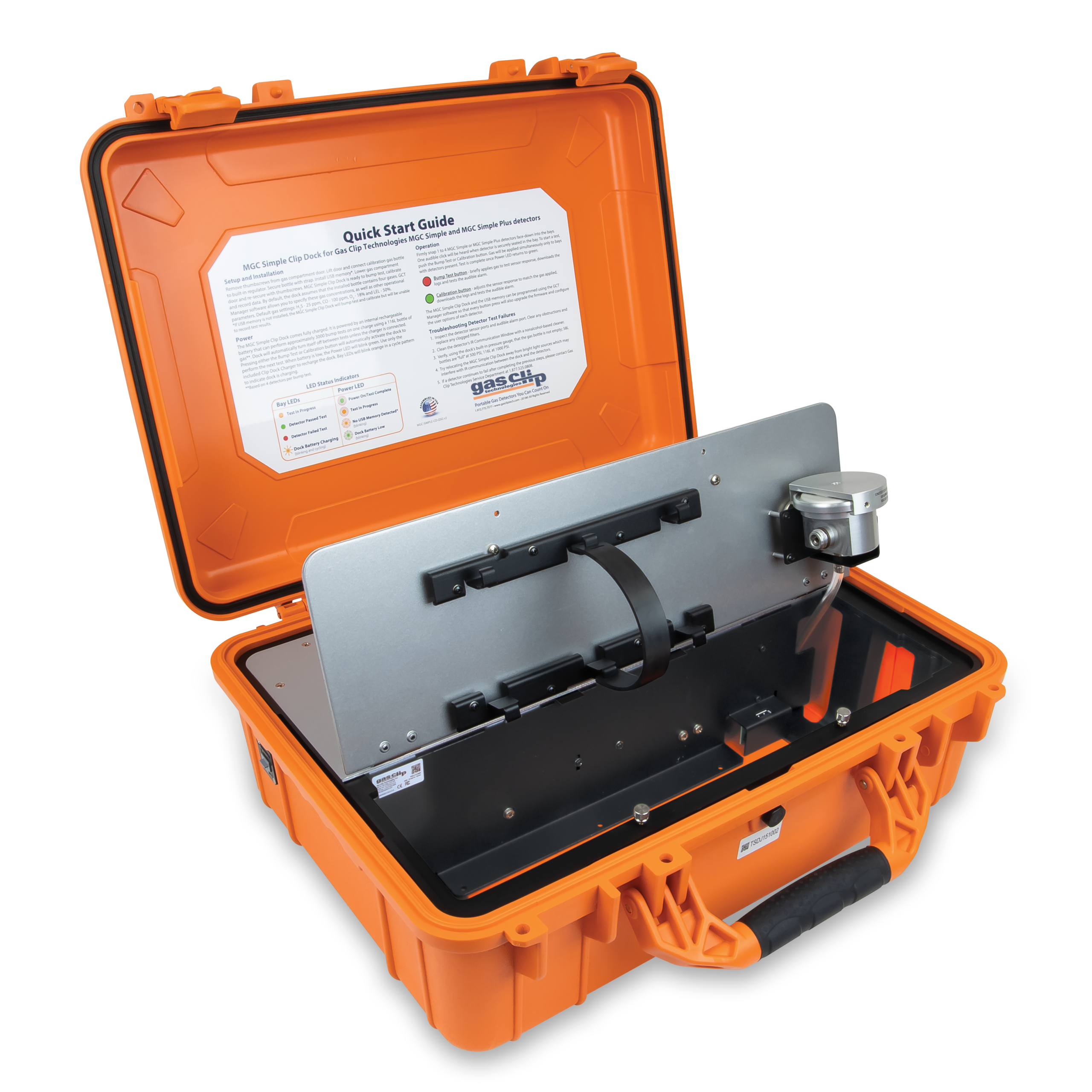
It can be housed either in a rugged carrying case or in a wall-mountable metal enclosure. Reports are saved to a USB flash drive, making it easy to transfer them to a computer for analysis.
Features
- Simultaneous testing of 4 detectors
- Simple operation via a single button
- Robust, rechargeable internal battery capable of performing up to 1,500 tests before needing a recharge
- Integrated gas cylinder regulator and pressure gauge
- USB flash memory for storing "bump test" data and event logs
- Detector configuration and firmware updates possible via GCT Manager software
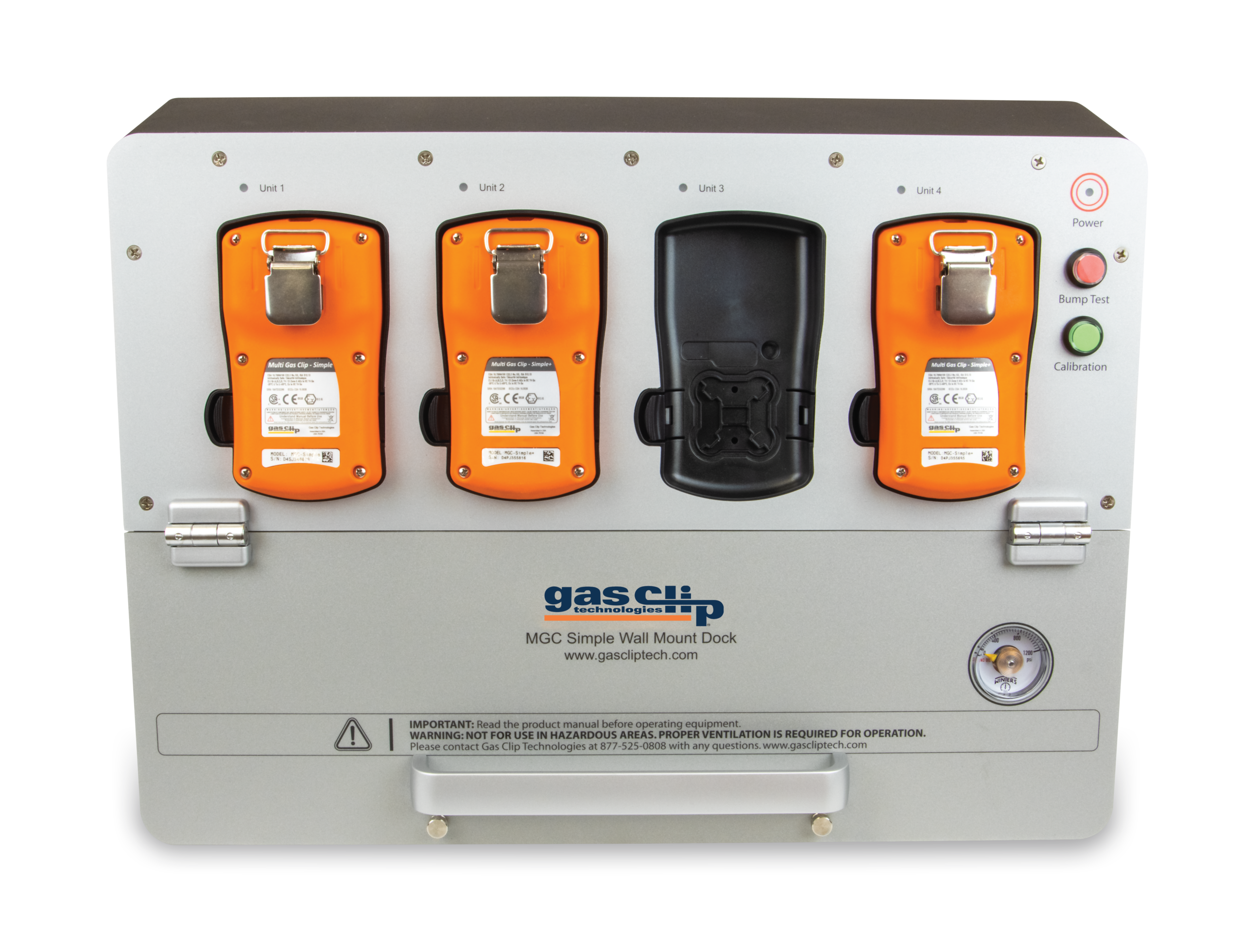
- Rugged enclosure or station with wall-mounting bracket
- No computer required for operation
- Detector configuration / Firmware updates: To ensure your fleet of gas detectors complies with specific requirements, the MGC Simple Dock allows for the programming of each detector during bump tests or calibrations. Programmable settings include: user ID, calibration interval, bump test interval, self-test interval, low and high alarm thresholds, sensor reading display, hiding the "bump test due" indicator, and hiding the clock.
For example, if your company or site requires specific alarm thresholds for each detector and a set interval for bump tests, you can program the devices in groups—while simultaneously performing bump tests (up to 4 detectors at a time per MGC Simple Dock station)—using our GCT Manager software. When firmware updates become available, the MGC Simple Dock can be configured to update detectors during bump tests and calibrations. This makes maintaining compliance with current safety standards for single-gas detectors very straightforward.
Data and Event Log Storage: In addition to performing tests, configuring detectors, and applying firmware updates, the MGC Simple Dock stores essential information about both the station itself and the detectors being tested. All data regarding tests performed on the station can be accessed directly via a USB flash drive or through the GCT Manager software. Every bump test and calibration is recorded with its corresponding date, time, and serial number. Event logs specific to each detector are also saved; during a test, the detector transmits its event log to the station’s memory. By default, the station retains the 10 most recent event logs.
Wall Mounting for MGC Simple Dock: Gas Clip Technologies offers a wall-mounting solution for the MGC Simple Dock. Instead of being housed in a carrying case, the unit comes in a compact enclosure designed to be easily mounted on a wall or placed on a flat surface, making it perfectly suited for industrial facilities or office environments. The GCT Manager software from Gas Clip Technologies allows users to communicate with and program the MGC Simple Clip Dock (in either standalone or wall-mounted configuration) via a GCT IR Link module or a USB drive. The following is a complete list of programmable settings:
- Docking station location
- Number of event logs
- Automatic shut-off delay
- Gas cylinder expiration date
- Gas cylinder lot number
- Gas concentration in the cylinder
- Feature administration controls
- Logs of tests performed by the docking station
- Individual device logs
- Inventory report
- All features available in the GCT IR Link software*
- Links to the software and firmware are provided below.